Dual Monitor Desk Shelf vs Single Monitor Arm: Load Ratings, Spatial Architecture, and Ergonomics Blueprint
Structural engineering comparison between solid hardwood distribution shelves and articulated gas-spring counterbalances for multi-display productivity.

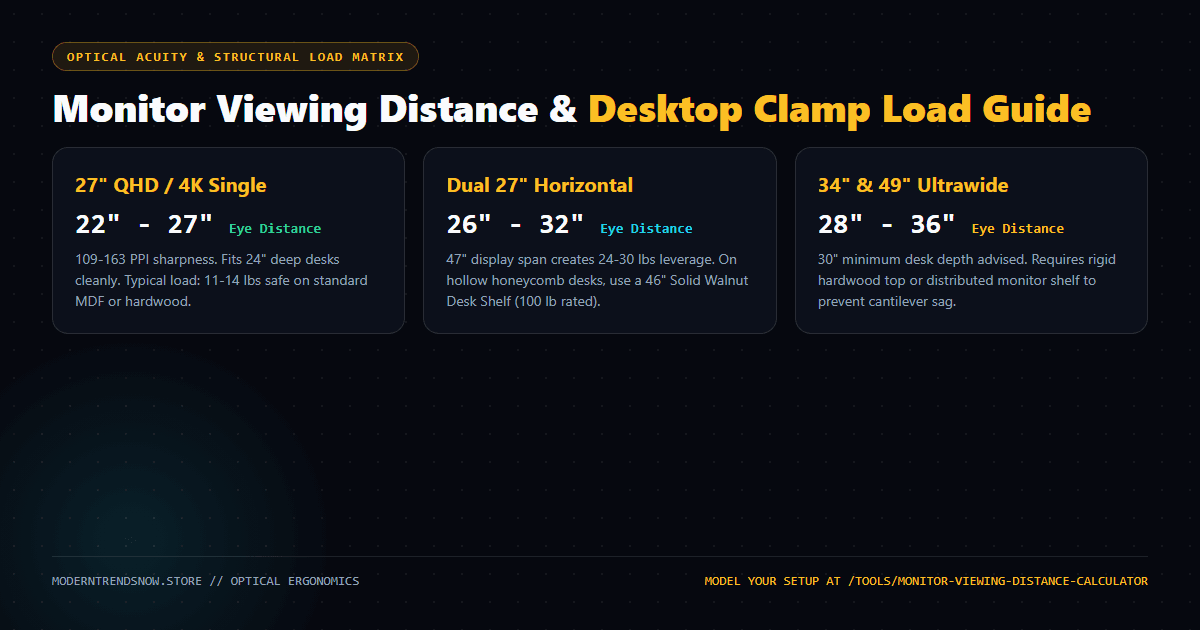
Executive Summary & Core Architectural Choice
When building a dual-display workstation, every professional encounters a fundamental structural fork in the road: should you elevate your monitors using an articulated, gas-spring C-clamp monitor arm, or rest them upon a continuous, two-tier solid hardwood desk shelf?
While marketing for articulated monitor arms promises total geometric freedom, real-world structural engineering reveals severe mechanical compromises. Clamping two 27-inch displays (weighing 32 to 55 lbs combined) to a single 3-inch contact patch exerts over 180 foot-pounds of cantilever rotational torque on your rear desktop edge. On composite, honeycomb, or particleboard desks, this concentrated shear stress causes sagging, surface cracking, and permanent structural failure.
A solid hardwood desk shelf, by contrast, operates on compressive vertical load distribution compliant with ANSI/BIFMA X5.5 architectural furniture standards. It safely distributes multi-display weight across a 46-inch span while creating a subterranean storage horizon that reclaims over 3.2 square feet of usable desktop real estate.

Cantilever Torque vs Distributed Load Physics
To understand why monitor arms damage desks, one must analyze the Newtonian physics of cantilevered beams. An articulated arm extends your monitors forward 12 to 18 inches away from the rear mounting post. This horizontal lever arm multiplies the downward gravitational mass of your screens into rotational moment:
Two modern 27-inch 4K displays with heavy glass panels weigh approximately 36 lbs (160 N). Extended 15 inches (0.38 m) forward, they generate 60.8 Newton-meters of continuous bending torque. All of this mechanical stress is concentrated onto a tiny 3-inch steel pressure plate clamped to the thinnest edge of your desktop.

In sharp contrast, a Solid American Walnut Dual Monitor Stand rests on wide, powder-coated structural steel legs with silicone damping pads. The load vector is 100% downward vertical compression with zero rotational moment. Weight capacity jumps from 18 lbs per arm to an astonishing 100 lbs across the entire solid timber shelf, safely accommodating two 32-inch studio displays, a dedicated DAC amp, and heavyweight studio audio monitors without flexing.
Spatial Architecture & The Two-Tier Desk Surface
The primary spatial limitation of standard 60x30 inch desks is horizontal congestion. When monitors, keyboards, mice, audio interfaces, notebooks, and charging docks all fight for the same 2D plane, mental cognitive load spikes and visual clutter paralyzes workflow.

A desk shelf establishes an architectural mezzanine. By raising the visual horizon by 4.5 inches, it segregates your workspace into two dedicated ergonomic zones:
- Active Touch Zone (Lower Surface): Dedicated exclusively to your desk mat, mechanical keyboard, mouse, and immediate notebook sketching. At the end of the day, your keyboard slides underneath the shelf in 2 seconds, leaving a 100% clean, empty surface.
- Passive Reference Zone (Upper Horizon): Holds your dual monitors at perfect eye level alongside your ScreenBar, web camera, reference tablet, and desk plant.
Ergonomic Line of Sight: ANSI/BIFMA & ISO Standards
According to ISO 9241-5 and OSHA workstation guidelines, the top third of your display screen must align horizontally with your resting eye level when seated upright. When monitors rest on their factory plastic stands, the screen center sits 3 to 5 inches too low. This forces the user into a chronic 20-degree downward cervical tilt ("tech neck"), multiplying the effective weight of the human head on cervical vertebrae C1-C7 from 12 lbs to over 45 lbs of spinal shear pressure.

A 4.5-inch desk shelf elevates your screens into that exact biometric sweet spot without requiring micro-adjustments or dealing with creeping gas-spring pneumatic pressure drops over time.
Engineering Matrix: Desk Shelf vs Articulated Arm
| Performance Metric | Solid Walnut Desk Shelf | Gas-Spring Dual Monitor Arm |
|---|---|---|
| Weight Capacity | 100 lbs (Supports heavy dual 32" screens) | 17.6 to 22 lbs per arm max |
| Desk Surface Stress | Zero torque (Distributed compressive load) | High cantilever torque (Risks denting thin desks) |
| Reclaimed Storage Space | +3.2 sq ft (Under-shelf storage bay) | +1.5 sq ft (Zero vertical compartmentalization) |
| Vibration / Typing Wobble | Rock-solid (Massive inertia, zero wobble) | Prone to oscillation on typing strikes |
| Installation Complexity | Instant (Place on desk in 30 seconds) | Complex (Clamp tensioning, cable routing) |
| Aesthetic & Material | Kiln-dried solid American walnut timber | Industrial cast aluminum & exposed plastic covers |
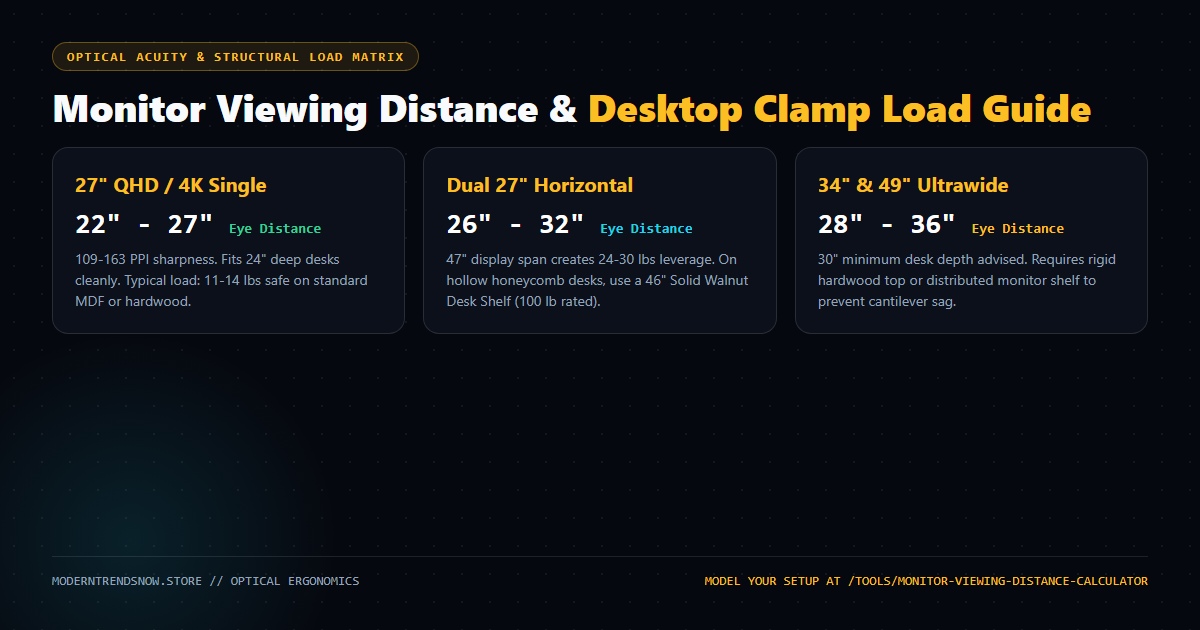
Desktop Core Engineering: Avoiding C-Clamp Crush on Laminate Tops
The single most overlooked failure point in multi-monitor setups is torque amplification at the rear desk edge. When two 27-inch monitors totaling 24 to 30 lbs extend forward on a 16-inch articulated gas-spring arm, cantilever leverage multiplies downward bearing pressure right inside the C-clamp lip. On hollow honeycomb fiberboard tops, that concentrated load crushes internal paperboard cells within weeks, leaving displays tilted forward.
By contrast, a 46-inch solid hardwood dual monitor shelf rests vertically on two broad powder-coated steel support legs rated for up to 100 lbs total load. Zero forward torque transfers into the edge laminate, eliminating sag across thin or mid-grade desktops while creating a clean 4.3-inch garage underneath for 75% wireless keyboards, external DACs, and MagSafe valet trays.
Before drilling grommets or ordering heavy clamp arms, run your exact display sizes, weight per panel, and desktop material through the interactive Monitor Viewing Distance & Desk Load Calculator embedded below (or open the dedicated Monitor Distance & Load Calculator).
| Workspace Factor | Solid Walnut Dual Shelf | Dual Gas-Spring Arm |
|---|---|---|
| Desktop Core Stress | Minimal (distributed vertical legs) | High (3-inch localized C-clamp shear) |
| Under-Shelf Storage | 3.2 sq ft enclosed bay + drawers | None (surface exposed) |
| Frequent Screen Rotation | Fixed horizon (uses monitor stands) | Instant portrait/landscape pivot |
| Cable Concealment | Natural rear lip hides drops | Requires tight zip-tie arm routing |
Dual-27 vs 34-Inch Ultrawide Cervical Spine Alignment
If both displays receive equal 50/50 focus (such as IDE code left, live preview right), centering the bezel seam between two 27-inch monitors at a slight 15-degree inward cockpit curve balances left and right neck rotation symmetrically. Conversely, if one screen serves as your primary focus monitor for 80% of the workday, center that primary display straight ahead of your nose and angle the secondary display off to your dominant-eye side to avoid constant 25-degree lateral neck twist.
Structural & Ergonomic Standards
Monitor Viewing Distance, PPI & Desk Load Calculator
Retina Optical Acuity & C-Clamp Desktop Structural Load Verifier
86 - 107 cm (desk depth: 30" or Deeper).
Retina sharpness begins at 32" eye distance.
Requires at least a 60" or 72" desk width.
Safe for standard clamp or shelf
Your MDF surface handles 24 lbs. However, a Solid Walnut Dual Monitor Shelf distributes weight across wide steel legs and adds 4.3" height plus under-shelf keyboard storage.
Benchmarked against ISO 9241-5, ANSI/BIFMA G1, and IES RP-1 lighting and ergonomic engineering standards.
Researches biomechanics, optical lux physics, and architectural desktop ergonomics. Founder of Modern Trends Now and passionate advocate for clutter-free creative workspaces.
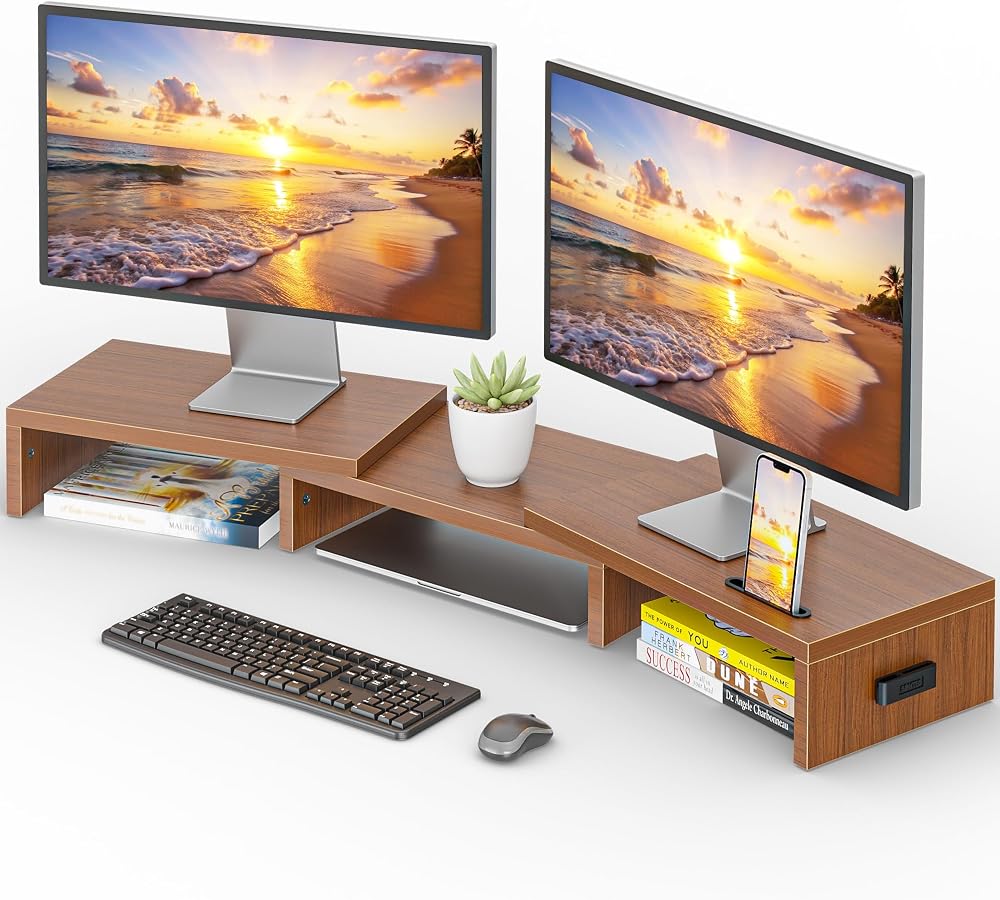 Top Rated Dual Shelf
Solid American Walnut Dual Monitor Shelf and Desk Riser
“Solid kiln-dried American walnut supporting up to 100 lbs with heavy steel legs.”
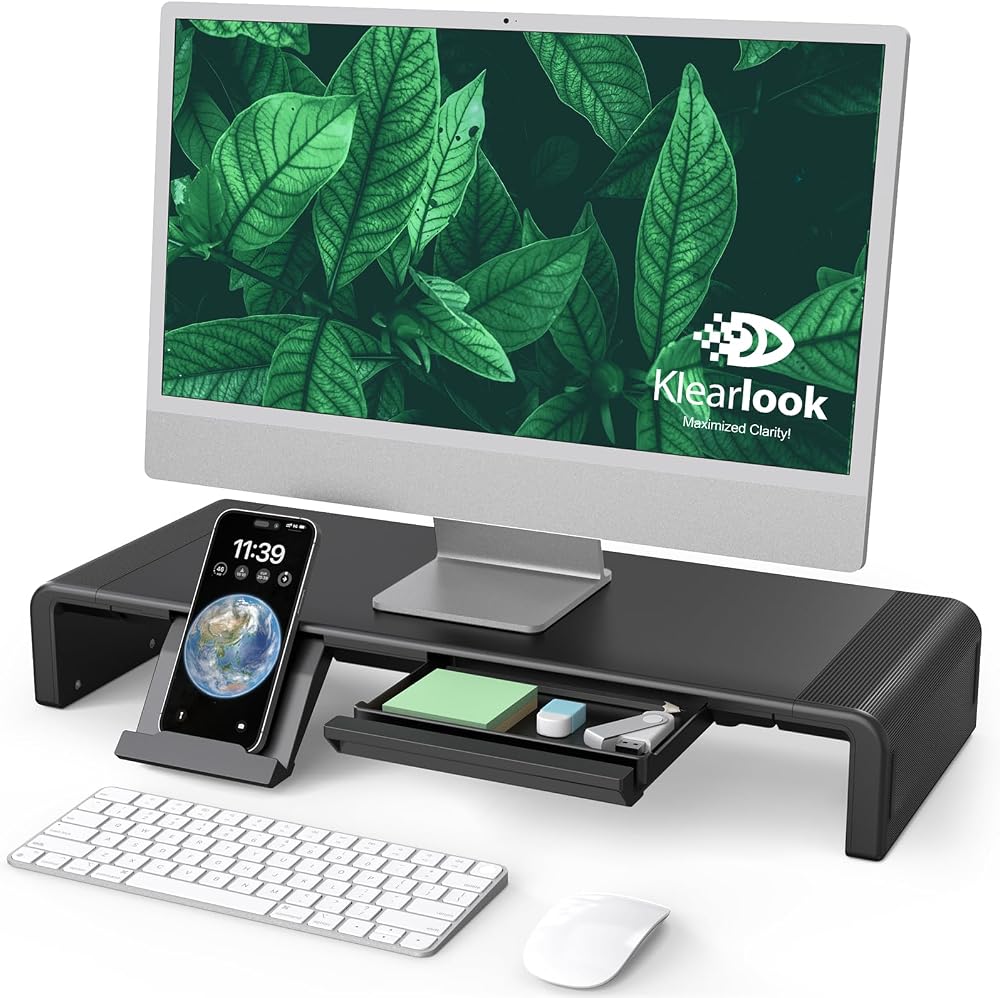 Best Single Display Shelf
Curved Matte Black Aluminum Monitor Riser Shelf
“Compact aluminum and wood shelf tailored for 32-inch displays and studio laptops.”
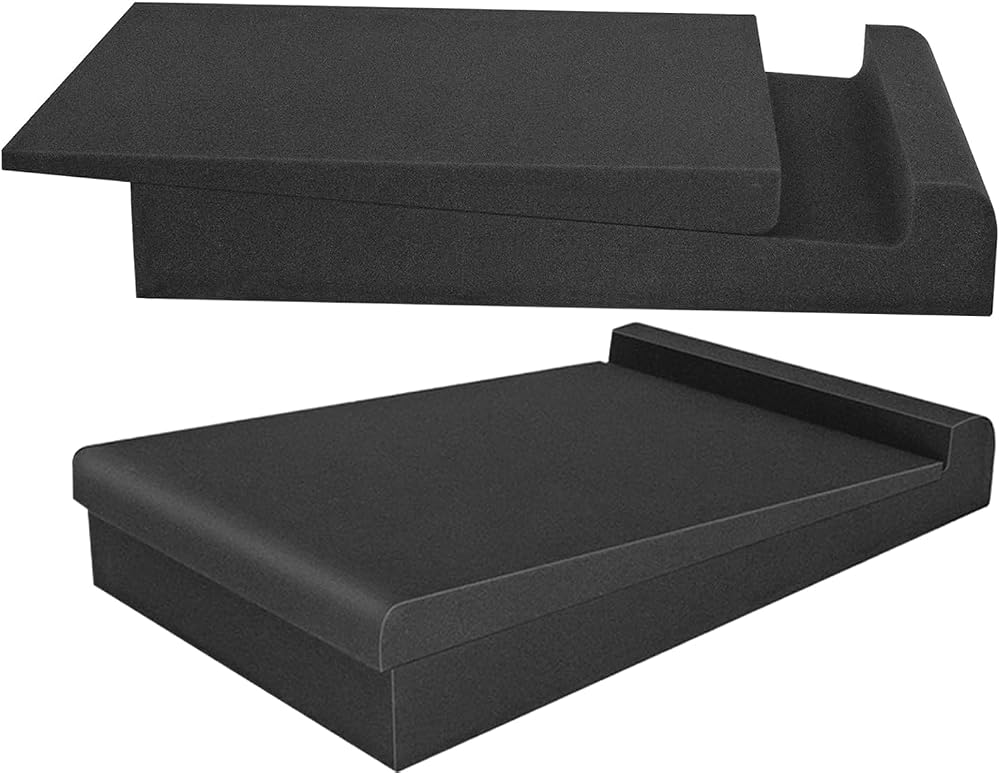 Acoustic Companion
Acoustic Decoupled Oak Studio Monitor Desktop Stands
“Desktop speaker risers angled at 16 degrees for ear-level acoustic imaging.”
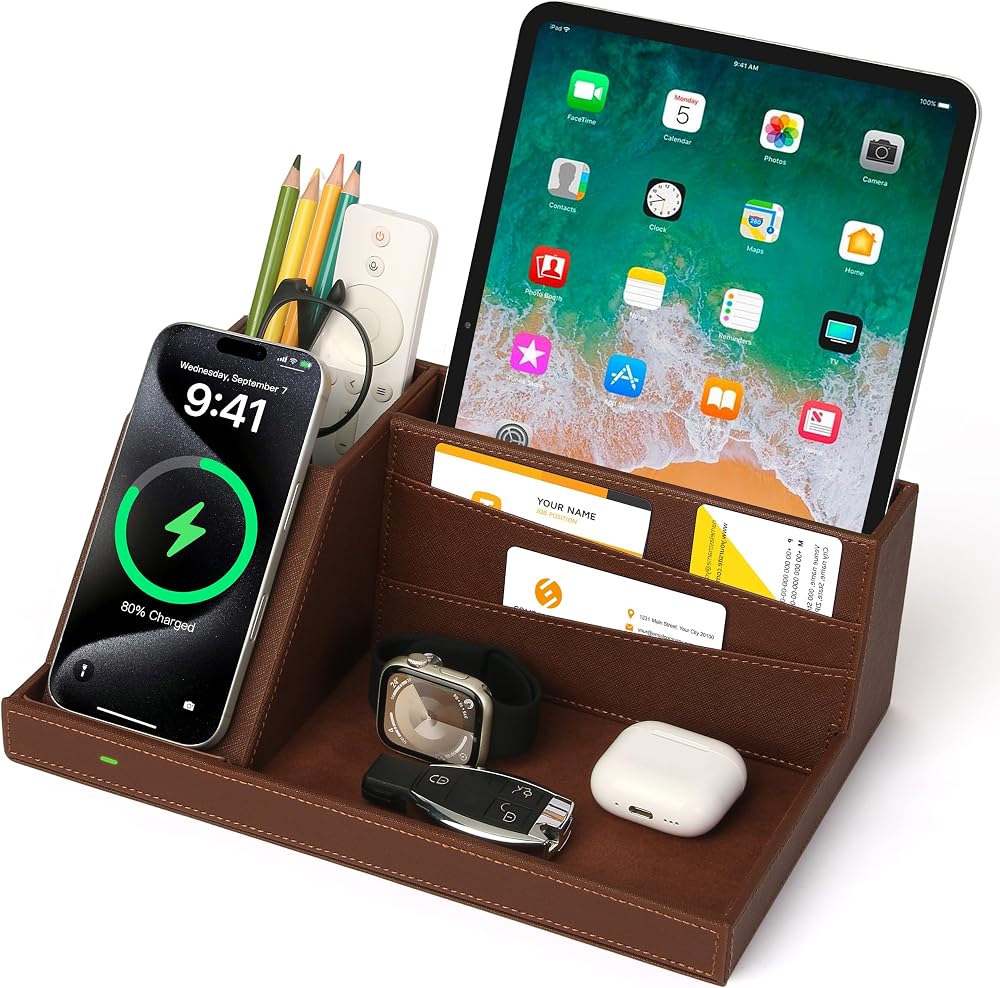 Best Storage Organizer
Executive Valet Organizer with Fast Wireless Charger
“Wireless charging leather valet box fitting neatly under dual monitor risers.”
Expert Architectural Q&A
Can a desk shelf hold two 27-inch monitors safely without sagging in the middle?
Yes, provided the shelf is constructed from solid hardwood (such as kiln-dried American walnut or oak) or reinforced with a center steel support brace. The Solid American Walnut Dual Stand features heavy-gauge steel legs and handles up to 100 lbs without structural deflection.
Will a monitor arm damage my standing desk tabletop?
Gas-spring monitor arms with single C-clamps concentrate 40 to 60 lbs of cantilever rotational torque onto a narrow 3x3 inch surface. On solid wood desks, this is safe. On hollow honeycomb (IKEA Linnmon) or thin MDF desks, monitor arm clamps can crush the desktop unless an auxiliary steel reinforcement plate is installed.
Which option is better for cable management?
Both excel differently: monitor arms conceal cables internally inside articulated plastic channels, while desk shelves hide power cords, docks, and USB hubs underneath their elevated horizontal plane.
How deep does my desk need to be for dual 27-inch monitors on a desk shelf?
A 28-inch to 30-inch desk depth works best for dual 27-inch setups because placing a 9-inch deep monitor shelf along the rear still leaves 19 to 21 inches for your keyboard, desk mat, and neutral forearm support.
Can you clamp a ScreenBar monitor light on top of monitors sitting on a desk shelf?
Yes. Counterweighted monitor ScreenBar lights add less than 1.2 lbs to the top bezel, keeping total combined load well within the 100 lb capacity of a solid hardwood dual monitor shelf.
Official Literature & Benchmarks
Modern Trends Now architectural guides are synthesized from verified industrial standards, peer-reviewed ergonomic datasets, and international regulatory testing frameworks.
Model exact desk height, monitor load, mat sizing, and standing cable slack.
Open All 4 Desk CalculatorsContinue Reading Field Guides

Black Friday & Holiday 2026 Minimalist Desk Setup Gift Guide: Best Tech Upgrades Under $35, $75, and $150
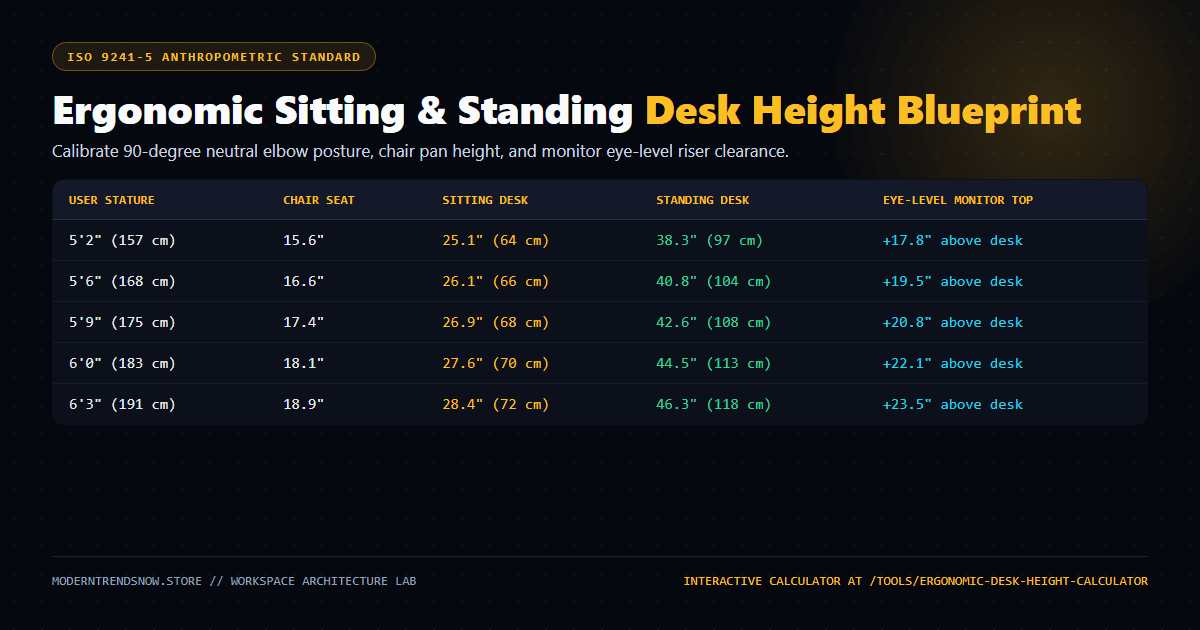
The 2026 Ergonomic Desk Height & Spatial Architecture Blueprint: Eliminate Neck Strain and Wrist Fatigue
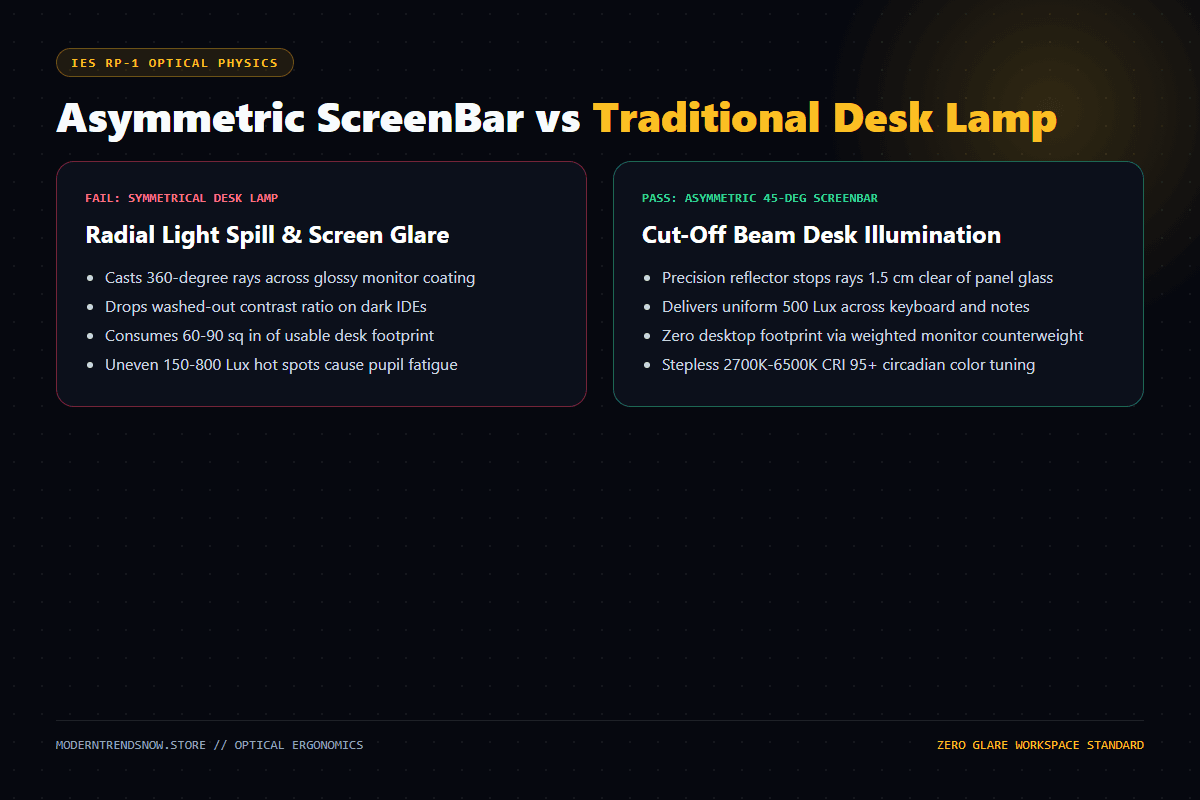
Curved Monitor ScreenBar vs Flat Light Bar: Optical Curvature R1000/R1500 and Clamp Physics Breakdown
