Curved Monitor ScreenBar vs Flat Light Bar: Optical Curvature R1000/R1500 and Clamp Physics Breakdown
An optical geometry analysis of focal radius R1000 vs R1500 arc curvature, corner illuminance falloff, and gravity clamp shear forces on curved panel housings.

Executive Summary & The Curvature Dilemma
Over the past three years, curved monitors spanning 1000R, 1500R, and 1800R radii have become the definitive standard for software developers, financial traders, and creative professionals. By curving the peripheral edges of 34-inch ultrawide and 49-inch super-ultrawide panels, curved displays maintain an equal focal distance to the human eye, eliminating ocular refocusing fatigue across wide horizontal angles.
However, mounting an asymmetric monitor light bar atop a curved screen introduces a severe optical physics problem: The Optical Tangent Error. When a traditional straight light bar is installed atop a curved display, the straight luminaire only touches the monitor bezel at a single tangent point.
At the outer edges, a straight light bar sits up to 2 inches forward of the screen plane. This causes stray light rays to reflect directly into the display panel, washing out OLED and IPS contrast ratios while casting distracting shadows across the keyboard desk pad. Solving this requires an engineered Curved ScreenBar Monitor Desk Light designed specifically to follow the exact radius arc of modern displays.

The Optical Tangent Error of Flat Bars on Curved Displays
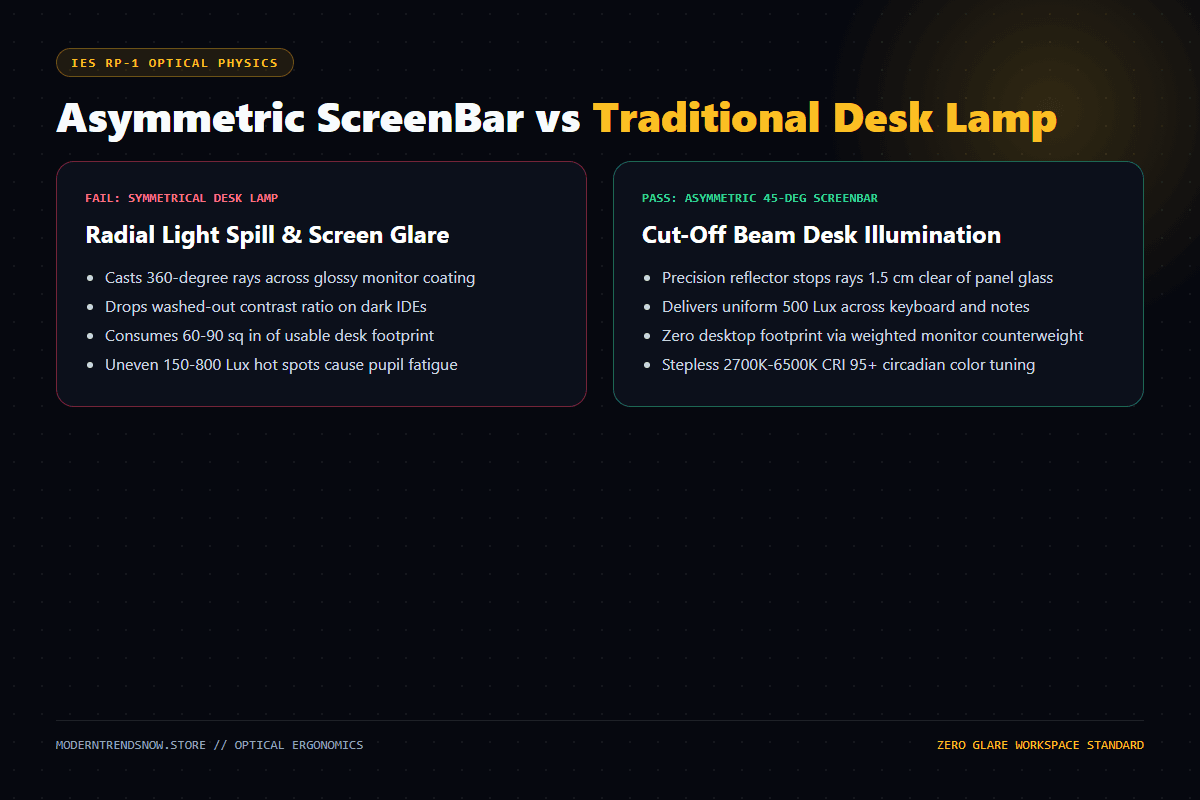
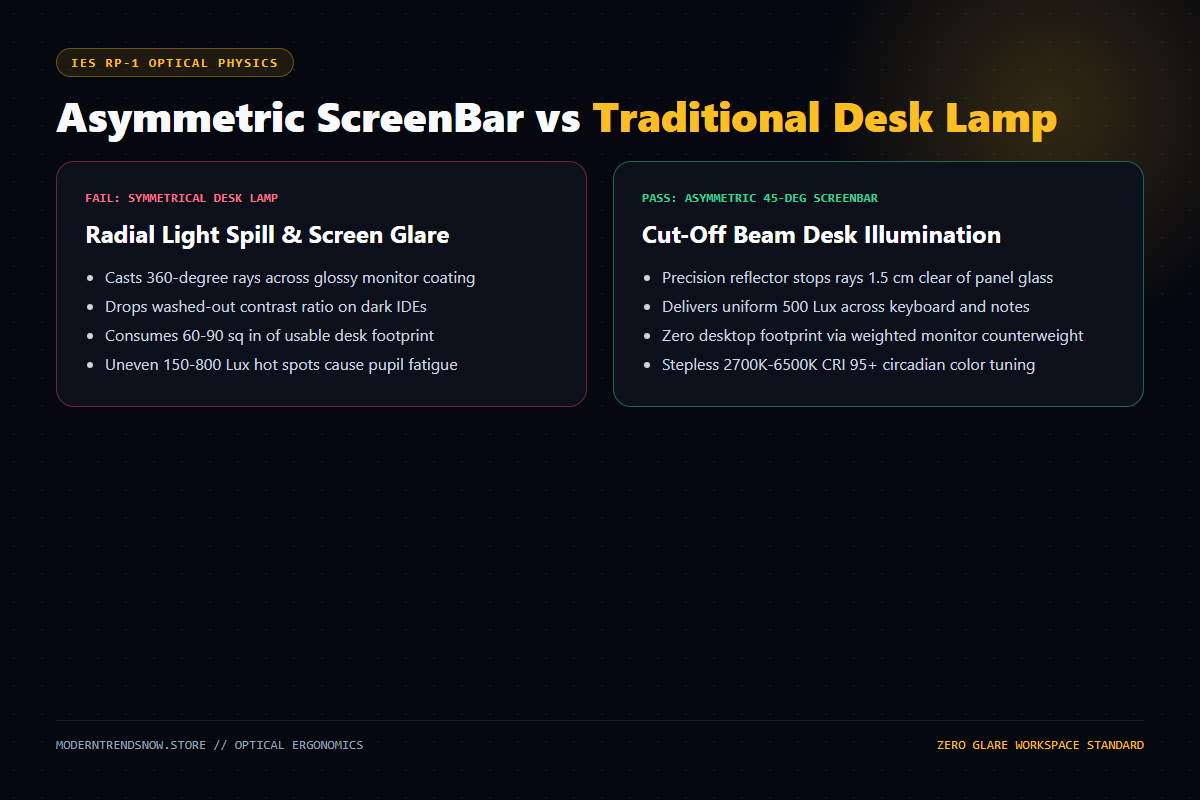
To understand why straight light bars fail on curved displays, consider Snell's Law and optical reflection geometry. Asymmetric monitor bars rely on a precision internal reflector that directs light downward at a strict 45-degree angle, cutting off light rays just 2 millimeters in front of the screen surface.

On an aggressive 1000R or 1500R curved monitor, the monitor corners sweep forward toward the user by 2.5 to 4 inches. When illuminated by a straight flat light bar:
- Specular Surface Glare: The peripheral LED diodes shine directly onto the curved glass at an oblique angle, creating high-intensity glare streaks across code editors and dark-mode software interfaces.
- Uneven Lux Falloff: Center desktop lux reaches 600 Lux, while outer mouse and keyboard zones plunge below 250 Lux, violating European EN 12464-1 indoor workplace lighting standards.
Clamp Mechanics on Bulging Curved Monitor Housings
Curved monitors do not have flat rear chassis. To accommodate internal cooling fans, power supplies, and curvature structural framing, the back of a curved display features an aggressive convex bulge, often tapering from 0.8 inches at the top edge to over 3.5 inches at the center hub.

Standard friction spring clamps slip and eject off curved rear housings, risking falling onto keyboards and scratching expensive panels. Modern curved screenbars utilize an articulated gravity counterweight pivot. The front lip hooks lightly onto the front bezel with zero inward clamping pressure (safeguarding fragile edge-lit OLED panels), while a dense zinc alloy rear counterweight rests on the curved slope, utilizing gravity alone to anchor the lamp in place.
Illumination Uniformity: Measuring 500 Lux Desktop Arc
The human pupil constantly adjusts its aperture based on ambient illumination contrast. When working on a glowing monitor in a dark room, looking down at a dimly lit keyboard causes rapid pupillary oscillations (pupillary hippus), triggering tension headaches and ocular dryness within 90 minutes.
An arched curved screenbar projects a curved 1500R light envelope matching your monitor curvature, delivering an even 500 Lux across a 40-inch desktop arc. This maintains the golden 1:3 luminance ratio recommended by the Illuminating Engineering Society (IES), eliminating ocular fatigue during marathon evening coding sessions.
R1000 vs R1500 vs R1800 Curvature Compatibility Engineering
Straight light bars engineered solely for flat 27-inch monitors run into two geometric collisions when clipped onto aggressive R1000 or R1500 ultrawide gaming and productivity panels. Because the outer left and right wings curve forward toward the viewer, a straight beam housing recessed too far back grazes the upper inner corner of the matte anti-glare coating, throwing bright specular streaks across the top corners.
Additionally, thicker cooling vents and VESA cable humps on modern curved displays exceed the 0.8-inch clamp jaw of generic flat-only light bars. A true curved-compatible ScreenBar extends its counterweight hinge bracket outward by 2.5 to 3.8 cm and uses a compliant silicone front lip that anchors without pinching delicate ultra-thin frameless OLED bezels.
| Panel Curvature | Forward Wing Wrap | Optical Clearance Need |
|---|---|---|
| Flat Display | 0 mm | Standard counterweight clamp |
| R1800 Mild Curve | ~18-24 mm | Mid-depth asymmetric optic |
| R1000 - R1500 Deep Curve | ~35-55 mm | Extended forward arm + dual-zone baffle |
USB-C Power Delivery & Flicker-Free PWM Driver Verification
High-CRI asymmetric LED bars draw between 5W and 7.5W at maximum brightness (100% cool daylight). Under-powered motherboard USB-A ports capped at 500mA frequently induce subtle voltage droop, flickering, or automatic brightness throttling. Connect your ScreenBar directly to a powered monitor downstream hub rated at 5V/1.5A+ or an external GaN USB charger, and pair screen distance placement using our Monitor Viewing Distance & Desk Load Calculator.
Lighting & Optical Standards
- [1] EN 12464-1 Light and Lighting of Indoor Work Places (en-standard.eu)
- [2] IES RP-1-20 Recommended Practice for Office Lighting (ies.org)
- [3] ISO 8995-1 Lighting of Indoor Workplaces (iso.org)
Benchmarked against ISO 9241-5, ANSI/BIFMA G1, and IES RP-1 lighting and ergonomic engineering standards.
Researches biomechanics, optical lux physics, and architectural desktop ergonomics. Founder of Modern Trends Now and passionate advocate for clutter-free creative workspaces.
 Curved Champion
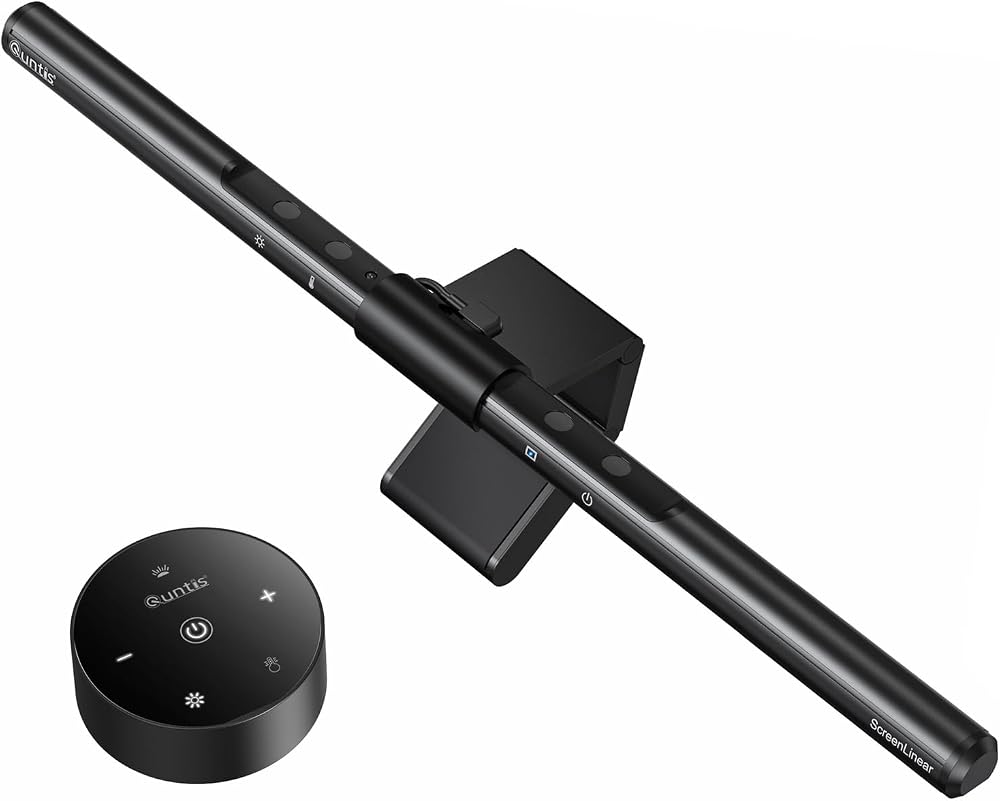
Curved ScreenBar Monitor Desk Light
“Arched asymmetric luminaire engineered specifically for 1000R-1800R curved screens.”
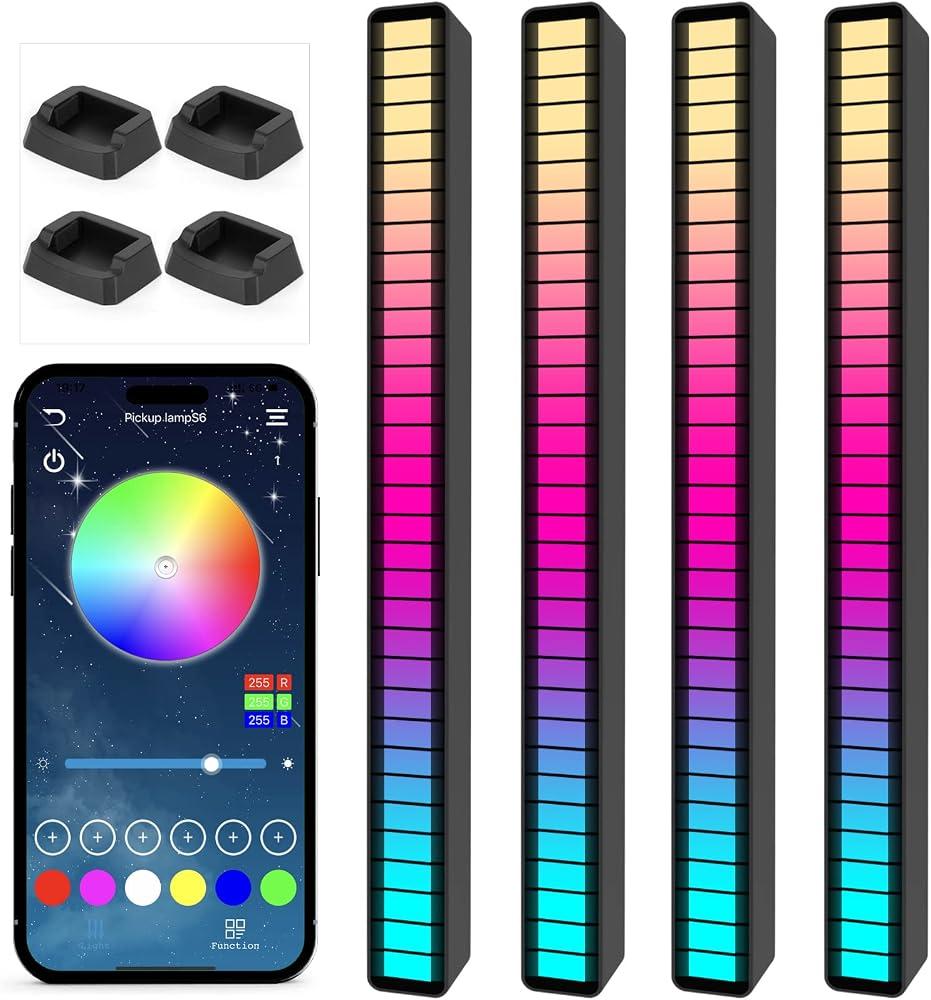 Ambient Companion
32-Bit Sound Reactive RGB Flow Rhythm Bar
“Acoustic light bar providing low-contrast bias fill behind ultrawide monitors.”
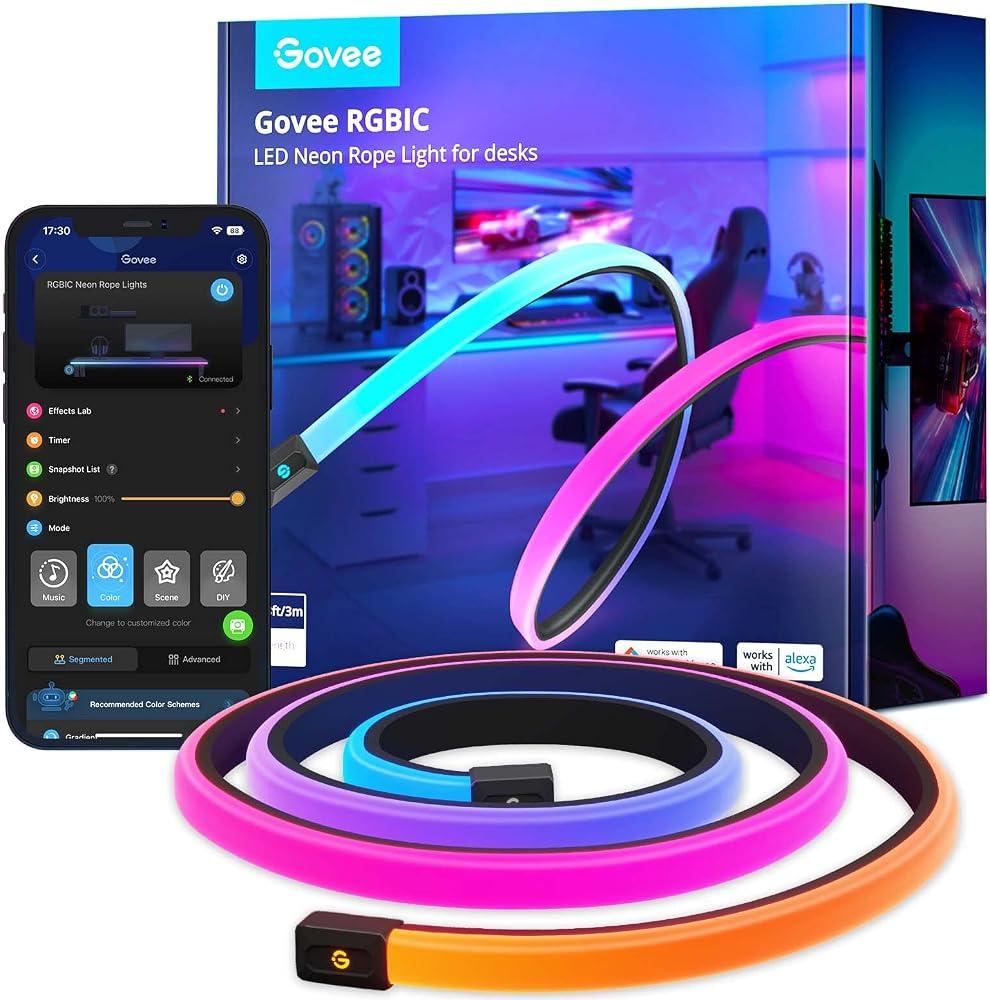 Bias Diffuser
Diffuse RGBIC Neon Gaming and Workspace Desk Rope
“Flexible silicone neon rope eliminating harsh dark room contrast behind displays.”
Expert Architectural Q&A
Will a curved light bar fit on a 1000R curved gaming monitor like the Samsung Odyssey G7/G9?
Yes. Premium curved screenbars with universal gravity counterweights are engineered to accommodate deep 1000R arcs as well as standard 1500R and 1800R displays without putting mechanical pressure on the LCD matrix.
Does a curved screenbar consume desk space?
No. The entire luminaire mounts on top of the monitor frame using a weighted counterbalanced clamp, freeing up 100% of the desk surface beneath the screen.
Does a curved monitor ScreenBar fit thick curved gaming backplates without pinching the panel?
Yes, counterweight gravity-clamp bars designed for curved displays use a springless balanced rear weight and wide silicone front lip that rest over thicker rear bezels without squeezing thin LCD/OLED layers.
Should a monitor light bar plug into the monitor USB hub or wall charger?
A dedicated 5V/1.5A+ USB port on a powered monitor hub or GaN desk charger prevents voltage-drop flickering and lets the light bar power on/off cleanly with your setup.
Does a ScreenBar block top-mounted webcams?
Most asymmetric curved ScreenBars include flat top housing planes or magnetic camera mounts so a standard webcam perches cleanly directly above the light bar without casting lens glare.
Official Literature & Benchmarks
Modern Trends Now architectural guides are synthesized from verified industrial standards, peer-reviewed ergonomic datasets, and international regulatory testing frameworks.
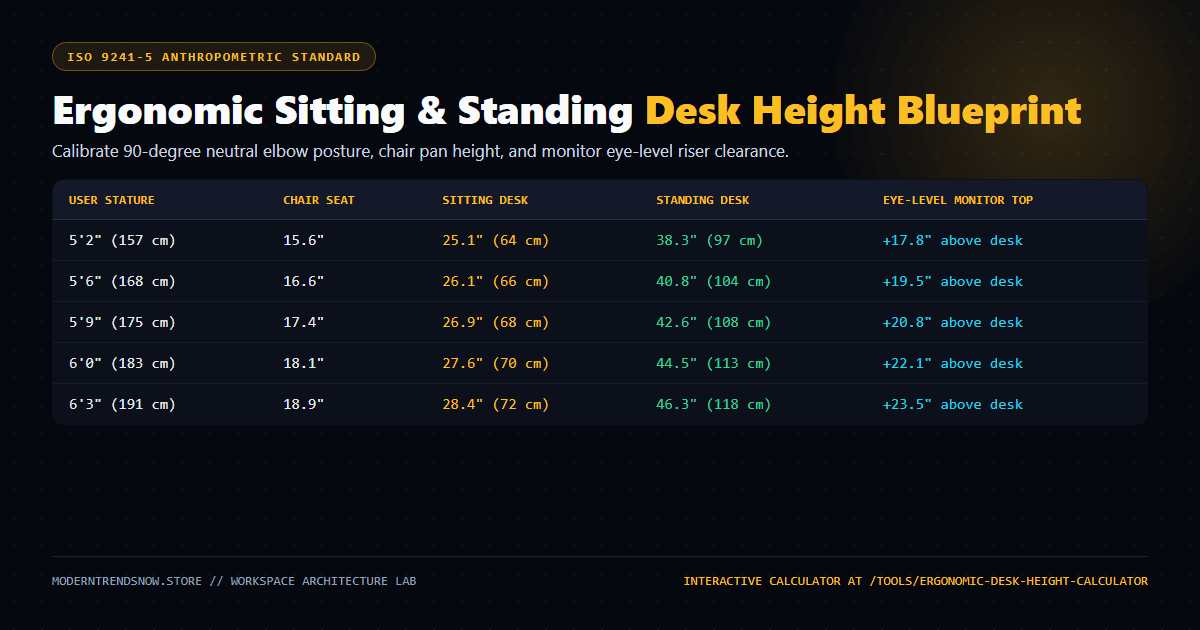
Model exact desk height, monitor load, mat sizing, and standing cable slack.
Open All 4 Desk CalculatorsContinue Reading Field Guides

Monitor Light Bar vs Traditional Desk Lamp: The Optical Physics of Asymmetric Beam Lighting and Eye Fatigue

Black Friday & Holiday 2026 Minimalist Desk Setup Gift Guide: Best Tech Upgrades Under $35, $75, and $150
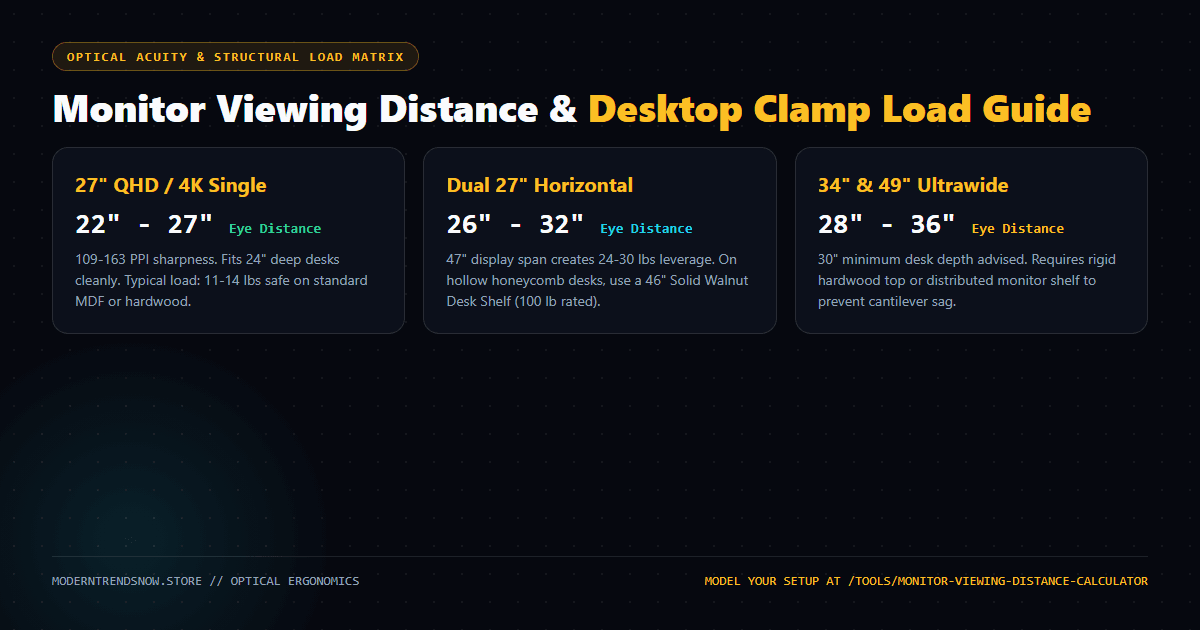
Dual Monitor Desk Shelf vs Single Monitor Arm: Load Ratings, Spatial Architecture, and Ergonomics Blueprint