Monitor Light Bar vs Traditional Desk Lamp: The Optical Physics of Asymmetric Beam Lighting and Eye Fatigue
An optical physics investigation into Snell law of reflection, pupillary contrast fatigue, and asymmetric desktop luminaire engineering.


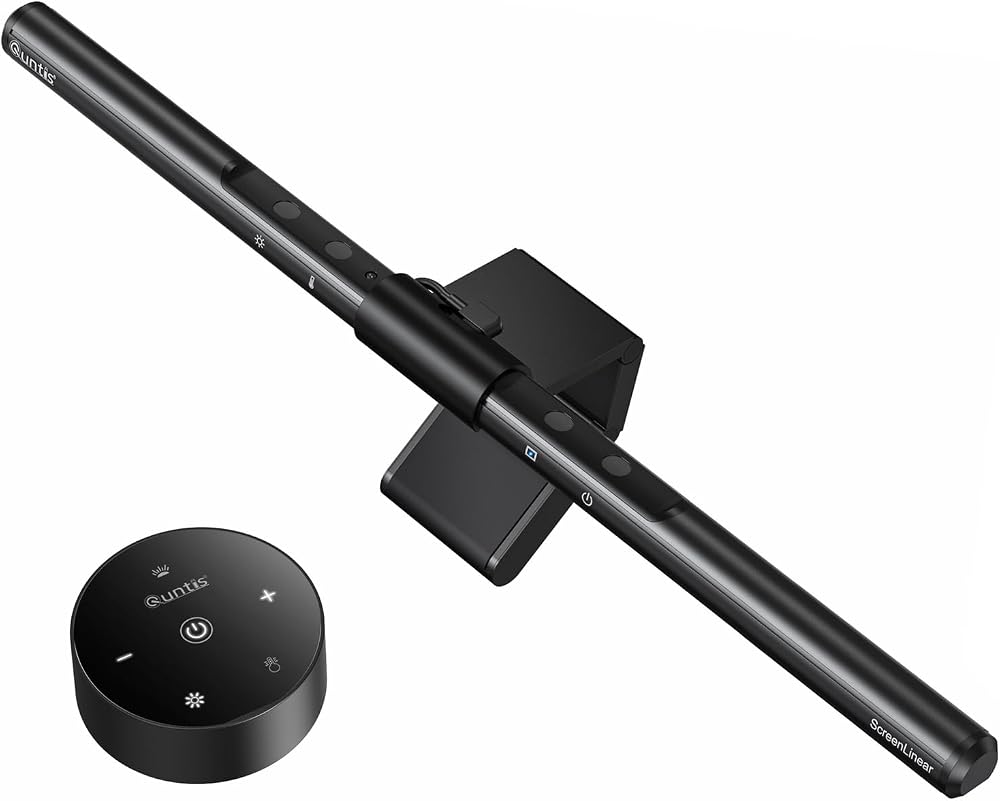
The Fundamental Optical Problem: Traditional desk lamps emit omnidirectional light. According to the law of reflection (angle of incidence equals angle of reflection), light striking a glass or matte computer monitor reflects directly into the user's retinas as discomfort glare. A monitor light bar (such as the Asymmetric ScreenBar Monitor Light) solves this through asymmetric optical refraction: an internal elliptical reflector directs light strictly downward at a 45-degree angle in front of the screen, creating a focused 500 Lux task zone on the desk while keeping the display glass completely glare-free.
Snell Law & Specular Reflection: Why Traditional Lamps Blind Screens
To understand why standard gooseneck and architectural desk lamps cause eye fatigue during computer work, we must examine the physics of light reflection. When a ray of light strikes an interface between two media (air and display glass), reflection occurs according to Fresnel equations.
Traditional desk lamps position the luminous element either to the side or behind the monitor. Because traditional lamps broadcast light across a wide 120-degree cone, rays inevitably hit the monitor panel. Even on high-end anti-glare matte displays, these photons undergo diffuse scattering, washing out black levels, destroying contrast ratios, and causing the ciliary muscles inside the human eye to constantly strain to resolve blurry text.

The 1:3 Contrast Ratio & Pupillary Oscillation Fatigue
Many professionals attempt to fix glare by turning off all room lights and working in pitch darkness with only the bright monitor illuminating their faces. From an ophthalmological perspective, this is the most damaging setup possible.
The human pupil adjusts its aperture based on the total ambient luminance in your field of view. When your monitor blasts 250 nits of light into your central fovea while your peripheral field is at 0 nits, your pupil experiences pupillary oscillation (hippus): your iris muscles expand and contract hundreds of times per hour as you look between your bright screen, your dark keyboard, and your surroundings.
The Illuminating Engineering Society (IES) recommends a maximum luminance ratio of 1:3 between the task area (desk surface) and immediate surroundings. A mounted ScreenBar elevates your desktop illuminance to 500 Lux, matching monitor brightness and allowing your iris muscles to rest in a stable, relaxed state.
Optical Comparison Matrix: ScreenBar vs Desk Lamp vs Ceiling Light
| Optical Metric | Asymmetric ScreenBar | Traditional Desk Lamp | Ceiling Recessed Can |
|---|---|---|---|
| Screen Glare / Reflection | 0% (Completely Glare-Free) | High (Direct & Diffuse Glare) | Moderate (Top Glass Reflection) |
| Desktop Illuminance | 450 - 550 Lux (IES Target) | 200 - 800 Lux (Uneven Hotspot) | 150 - 250 Lux (Insufficient Task Light) |
| Color Rendering Index (CRI) | Ra 95+ (True Color Fidelity) | Ra 75 - 85 (Color Distortion) | Ra 80 (Standard Commercial) |
| Desk Real Estate Reclaimed | 100% (Mounted on Monitor) | Takes 20 - 45 sq inches of desk | 100% |
| Flicker Metric (Pst LM) | < 0.05 (Constant-Current DC) | Variable (PWM Stroboscopic) | Variable (AC 50/60Hz Ripple) |

Curved vs Flat Monitors: The Geometry of ScreenBar Clamps
As ultrawide curved monitors (1000R, 1500R, and 1800R curvatures) became popular among software engineers and financial analysts, standard straight light bars faced a geometric obstacle: because the edges of a curved monitor arc inward toward the user, a straight light bar would illuminate the top left and right corners of the monitor glass.
Our recommended Curved ScreenBar Monitor Desk Light solves this through an engineered 1000R arc curvature that mirrors your display's contour. The weighted gravity pivot clamp rests securely on back bezels from 0.4 to 1.8 inches thick without putting mechanical pressure on fragile LCD panels.

Kelvin Color Temperature & Circadian Rhythm Protection
Your eyes contain intrinsically photosensitive retinal ganglion cells (ipRGCs) that regulate melatonin synthesis and circadian timing. These cells are extraordinarily sensitive to short-wavelength blue photons peaking around 460nm to 480nm.
Working under 6500K daylight white after 7:00 PM halts melatonin secretion, delaying REM sleep cycles by up to 2.5 hours. High-end monitor screenbars feature dual-color temperature LED matrices that smoothly transition from an energizing 6000K crisp cool white during daytime focus blocks down to a soothing 2700K candle warm amber at night.

⚡ Companion Setup Guide
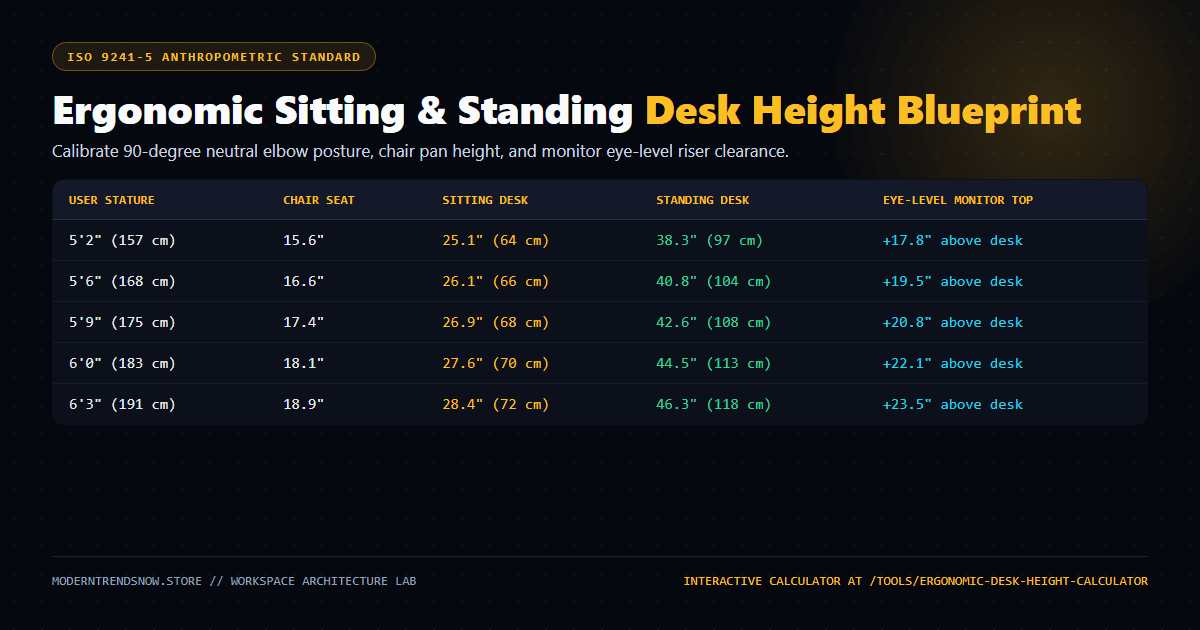
Perfect lighting is only half the battle. Pair your asymmetric lighting setup with our complete ergonomic desk height blueprint to eliminate neck strain and wrist fatigue:
Read The 2026 Ergonomic Desk Height Blueprint →Scientific References & Optical Standards
- [1] IES RP-1-20: Recommended Practice for Office Lighting. Illuminating Engineering Society (ies.org)
- [2] Blehm C, Vishnu S, Khattak A, Mitra S, Yee RW. Computer Vision Syndrome: A Review. Surv Ophthalmol. 2005;50(3):253-262.
- [3] CIE 117-1995: Discomfort Glare in Interior Lighting. International Commission on Illumination (cie.co.at)
- [4] Brainard GC, Hanifin JP, Greeson JM, et al. Action Spectrum for Melatonin Regulation in Humans. J Neurosci. 2001;21(16):6405-6412.
Related Material Architecture:
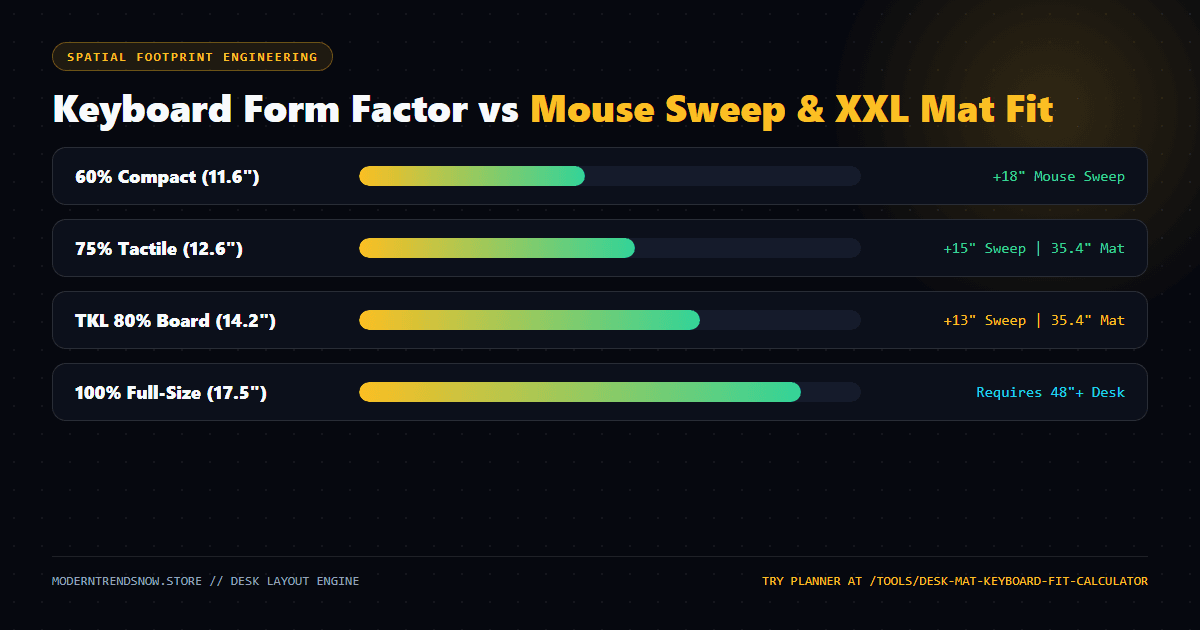
Pair your glare-free screenbar lighting with an acoustic focus surface: compare liquid resistance, mouse glide, and typing sound in our material comparison.
Read Leather vs Suede: Material Science & Desk Mat Guide →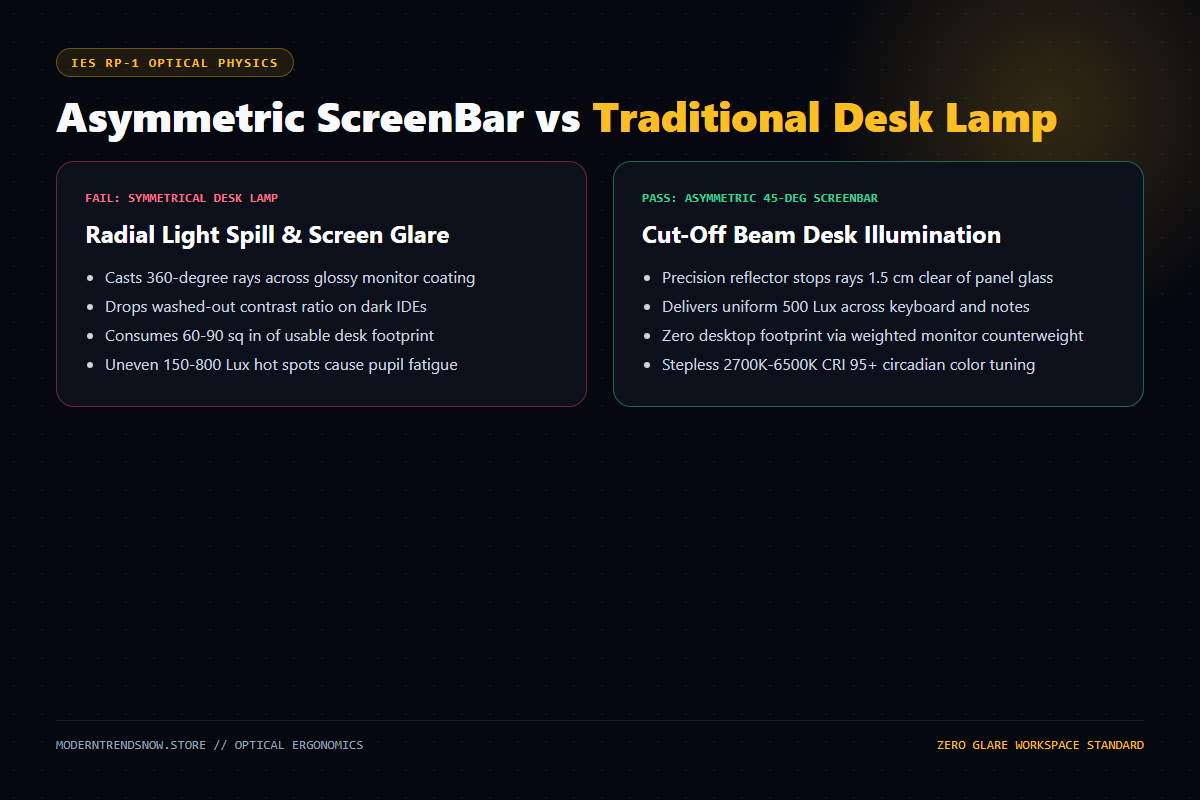
Daylight vs Nighttime Lux & Kelvin Calibration Protocol
Following IES RP-1 office lighting ergonomics, desktop work zones perform best at 300 to 500 Lux directly across keyboard keys and reference notebooks, paired with subtle ambient bias backlighting behind the monitor to lower contrast shock in dark rooms. During morning and afternoon coding or design work, 4500K to 5500K neutral white light preserves sharp contrast sensitivity without inducing blue-spike harshness.
After sunset, dropping color temperature toward 2700K to 3200K warm amber lowers melanopsin circadian suppression while maintaining CRI 95+ color fidelity on paper documents. Pair your light bar positioning with our Monitor Viewing Distance & Desk Load Calculator to ensure display glare and focal distance stay harmonized across long evening sessions.
Benchmarked against ISO 9241-5, ANSI/BIFMA G1, and IES RP-1 lighting and ergonomic engineering standards.
Researches biomechanics, optical lux physics, and architectural desktop ergonomics. Founder of Modern Trends Now and passionate advocate for clutter-free creative workspaces.
 Editor Optical Pick
Curved ScreenBar Monitor Desk Light
“Asymmetric 45-degree prism optical track casts 550 Lux across the keyboard with 0% screen reflection and Ra 95+ color fidelity.”
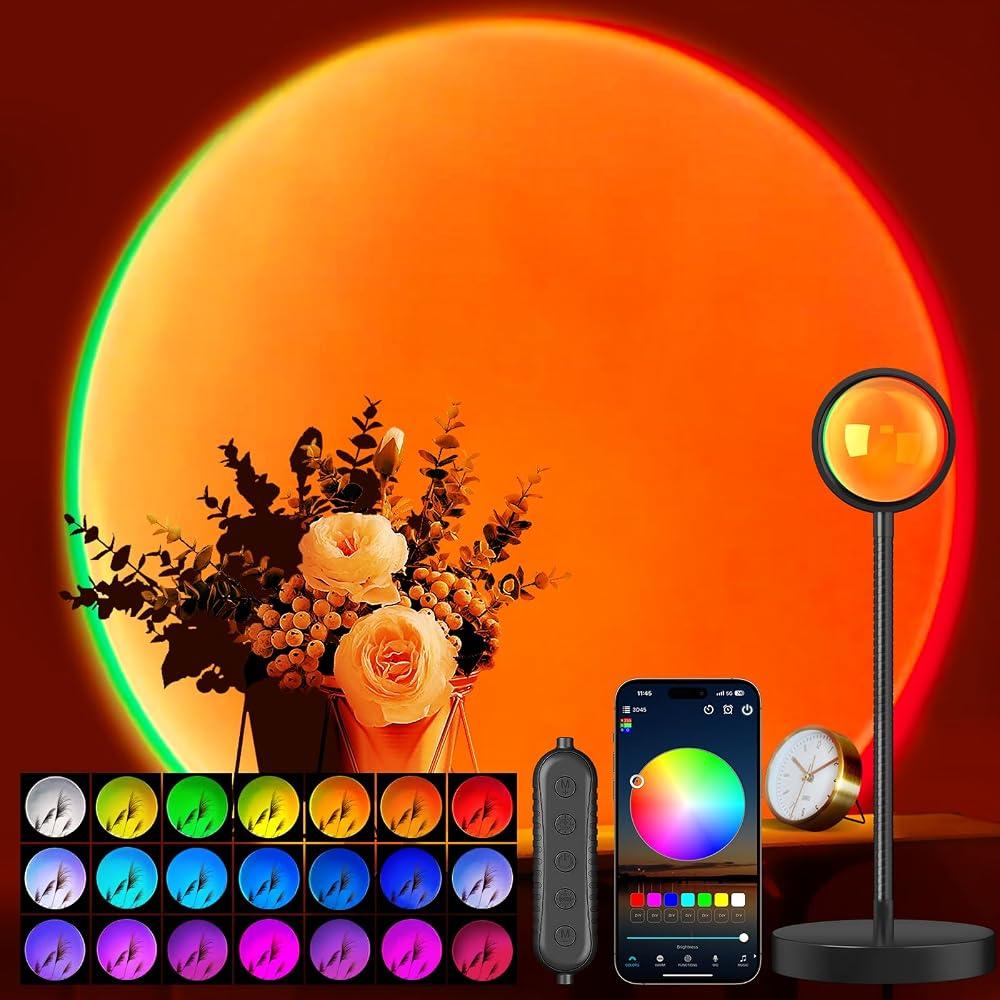 Ambient Bias Luminaire
Golden Hour 360° Sunset Atmosphere Projector
“Casts a warm 2700K sunset halo onto back walls, balancing the peripheral contrast ratio to eliminate late-night headaches.”
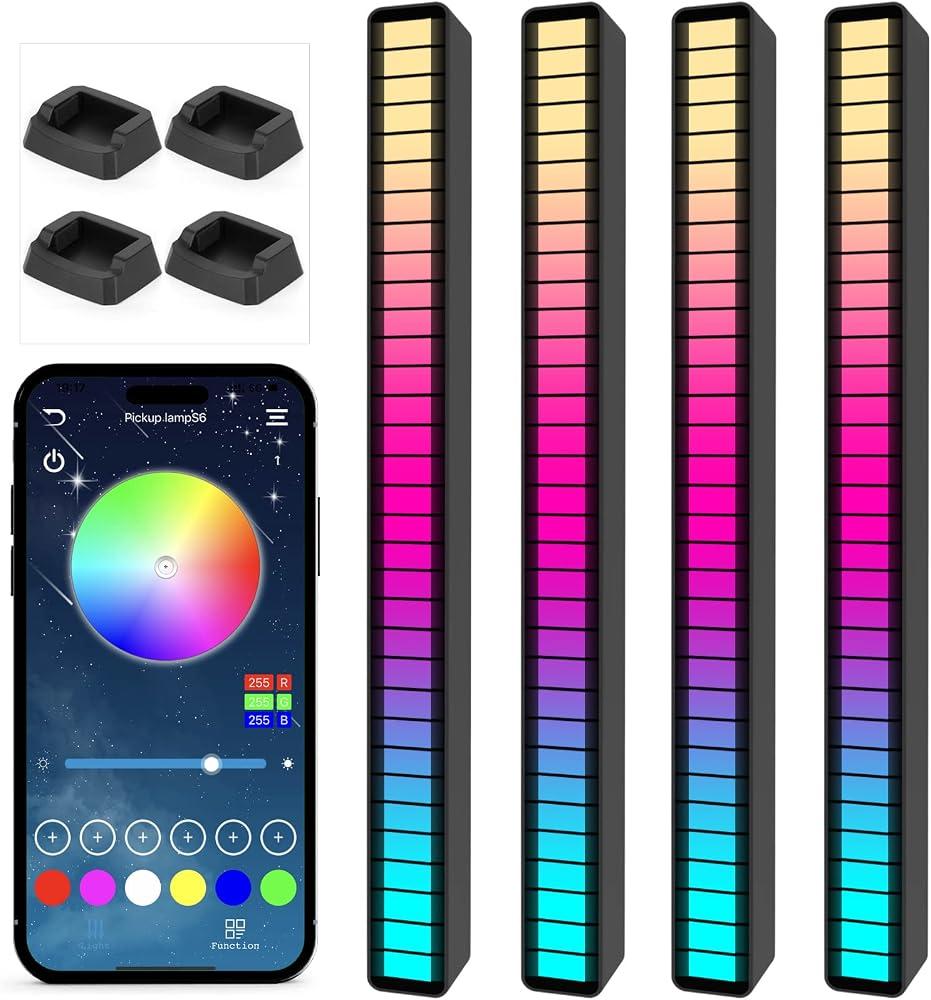 Peripheral Spectrum
32-Bit Sound Reactive RGB Flow Rhythm Bar
“32-bit ARM microprocessor syncs ambient peripheral light levels with acoustic room flow for immersive focus.”
 Ocular Hydration
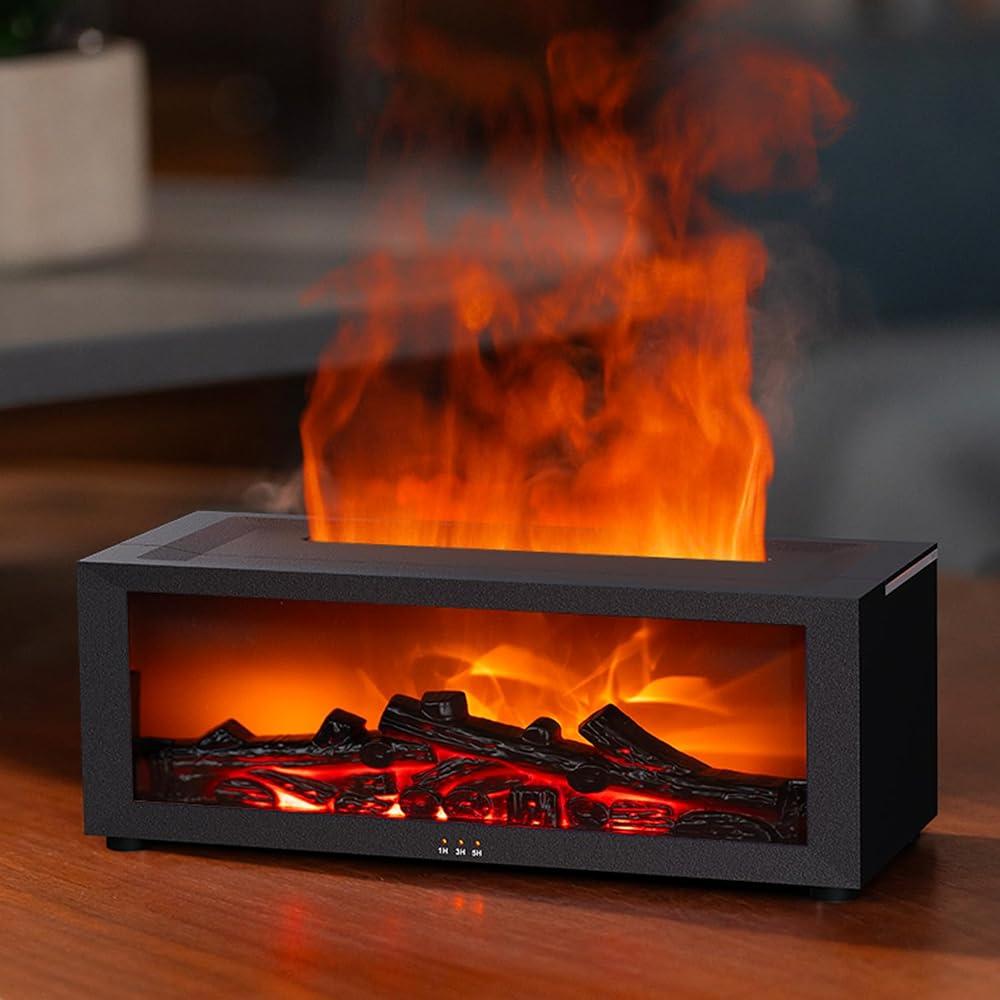
Fireplace Flame Mist Aroma Diffuser
“Ultrasonic cool mist prevents dry eye syndrome caused by reduced blink frequency during prolonged computer sessions.”
Expert Architectural Q&A
Does a monitor light bar damage or scratch my monitor screen?
No. Quality monitor light bars use weighted counter-balance gravity pivot mounts that rest gently on the top bezel and back housing of your display. Soft silicone rubber pads prevent scratches, and zero clamp pressure is exerted on the LCD or OLED glass panel.
Can a monitor light bar work on curved ultrawide monitors?
Yes. Curved monitor screenbars are engineered specifically with 1000R or 1500R arcs that follow the curve of your monitor. This prevents light from spilling onto the inward-angled edges of curved displays.
Is 500 Lux enough light for computer programming and writing?
Yes. 500 Lux is the exact international standard recommended by the Illuminating Engineering Society (IES) for visual display terminal (VDT) tasks. It provides crystal-clear illumination for reading paper documents and mechanical keycaps without washing out display pixels.
Why do my eyes hurt when I use my computer in the dark?
Working in the dark creates an extreme contrast ratio between your 250-nit monitor screen and the 0-nit room darkness. Your pupil dilates and constricts rapidly (pupillary oscillation) every time your gaze shifts, leading to ocular muscle exhaustion, dry corneas, and tension headaches.
Official Literature & Benchmarks
Modern Trends Now architectural guides are synthesized from verified industrial standards, peer-reviewed ergonomic datasets, and international regulatory testing frameworks.
Model exact desk height, monitor load, mat sizing, and standing cable slack.
Open All 4 Desk CalculatorsContinue Reading Field Guides

Standing Desk Cable Management Tray Blueprint: How to Route Power and Data with Zero Sag at Full Height
The 2026 Ergonomic Desk Height & Spatial Architecture Blueprint: Eliminate Neck Strain and Wrist Fatigue
Leather vs Suede: Material Science, Durability, and Desk Mat Performance Breakdown
